How to Export a Slideshow Without Input?
something new
[1]:
from pandas import DataFrame
import matplotlib.pyplot as plt

DataFrame([1, 2, 3, 4, 5]).plot()
plt.show()
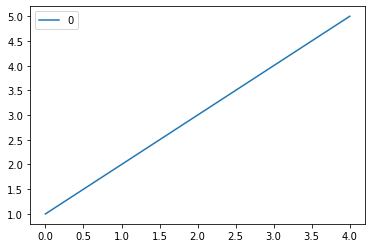
[2]:
import numpy as np
from bokeh.plotting import figure, show
from bokeh.io import output_notebook

N = 4000

x = np.random.random(size=N) * 100
y = np.random.random(size=N) * 100
radii = np.random.random(size=N) * 1.5
colors = ['#%02x%02x%02x' % (int(r), int(g), 150) for r, g in zip(np.floor(50+2*x), np.floor(30+2*y))]
output_notebook(hide_banner=True)

p = figure()
p.circle(x, y, radius=radii, fill_color=colors, fill_alpha=0.6, line_color=None)
show(p)
[17]:
!jupyter nbconvert od_export.ipynb --to slides --TemplateExporter.exclude_input=True --no-prompt
[NbConvertApp] Converting notebook od_export.ipynb to slides
[NbConvertApp] Writing 767443 bytes to od_export.slides.html